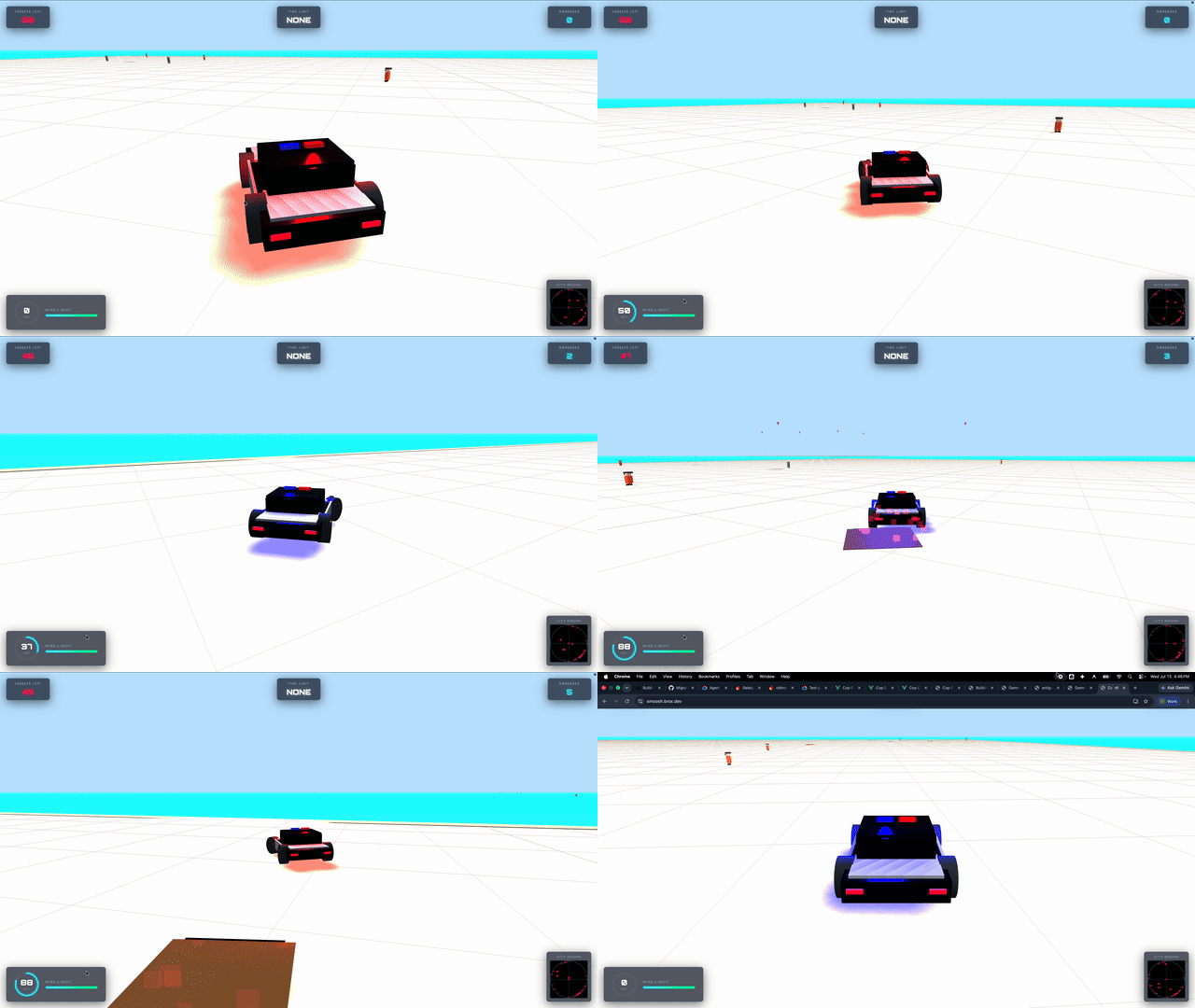
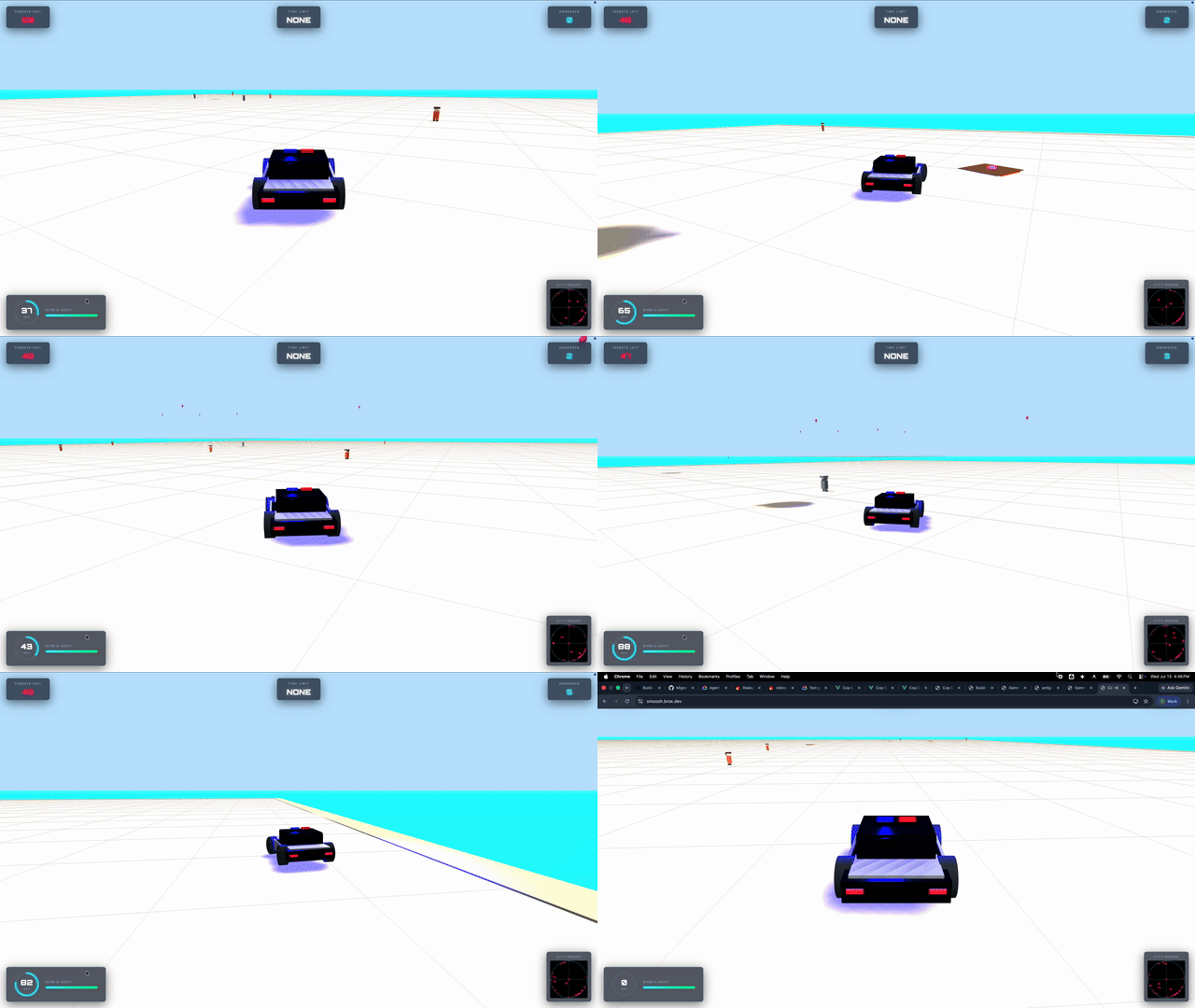
Voice to Code to Scene
Three steps, all in the browser.
01 / Listen
Capture intent
The Web Speech API turns what she says into text, shown on screen as a subtitle. "Make the cop car a tiger."
02 / Generate
Write the code
Gemini gets the transcript and returns JSON in a fixed schema: a line to say back, and the Three.js code to run. { say: "Roar!", js: "..." }
03 / Inject
Run it live
The game evaluates that code against the live Three.js scene. The world changes while she's still playing.
A small Go proxy sits between the game and the API. It handles the requests, cleans up the payload, and rate-limits so a five-year-old can't run up the bill.
Here's what Gemini wrote when she said "Turn the car into a tiger."
// 1. Clear original cop car meshes
while (window.carGroup.children.length > 0) {
  window.carGroup.remove(window.carGroup.children[0]);
}

// 2. Build tiger body
const body = new THREE.Mesh(
  new THREE.BoxGeometry(1.6, 1.0, 3.2),
  new THREE.MeshStandardMaterial({ color: 0xffaa00 })
);
window.carGroup.add(body);

// 3. Add stripes on the back
for (let i = -1; i <= 1; i++) {
  const stripe = new THREE.Mesh(...);
  window.carGroup.add(stripe);
}
Running generated code with eval() is fine for a sandbox toy in your own browser. Don't ship it to production.